The display configuration interface
The display configuration interface allows you to adjust the displays and areas in which the captions are projected.
Click on the  button at the top right of the Koinè window to bring up this interface.
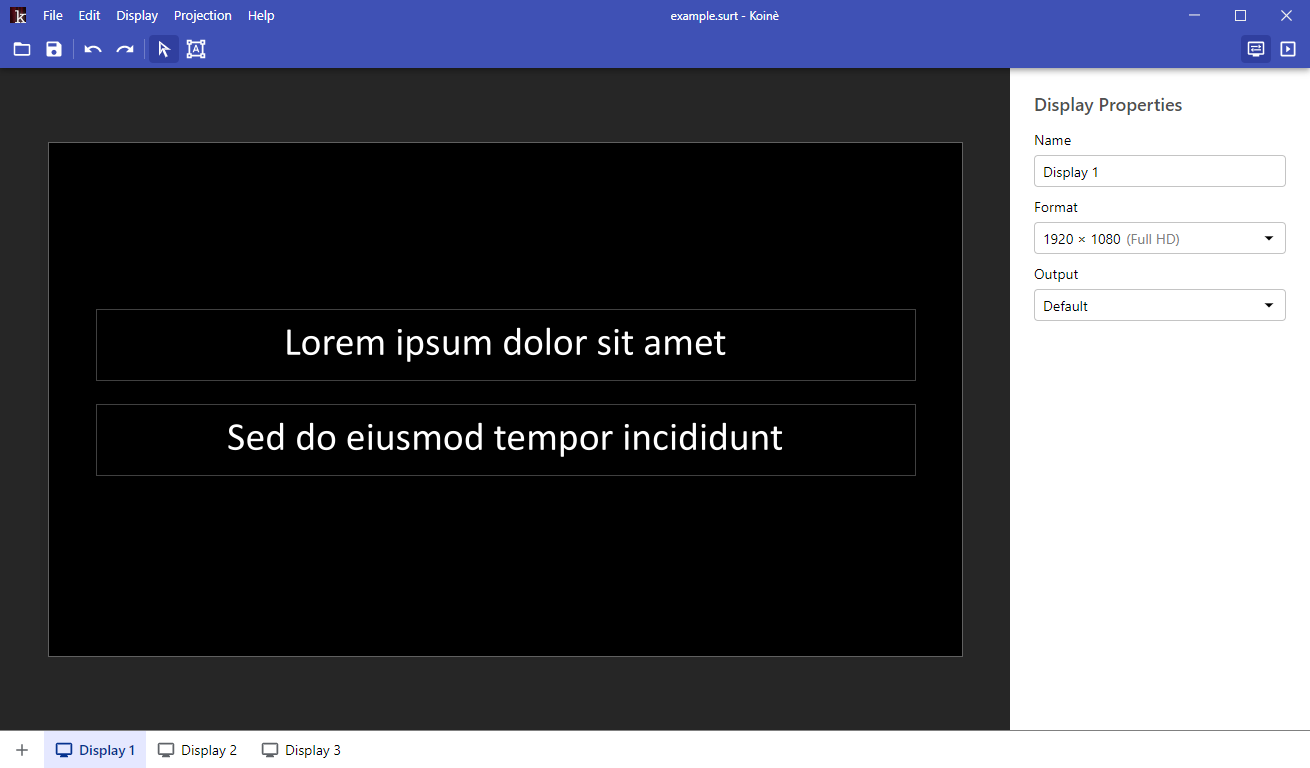
In the center of the interface, the main view shows the content that will appear on the display during the projection.
At the bottom, the display bar contains the list of displays that have been configured in the project.
On the right, a panel shows the display properties, or the selected area properties.