Installation and launch
Install Koinè on Windows
Koinè can be installed with a simple double-click on your Windows computer.
Download the Koinè installer.
Double-click the installer file to launch it.
The installation will start immediately.
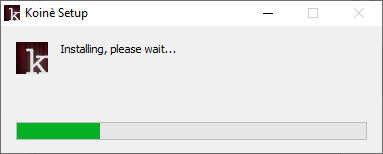
Once installation is complete, Koinè will launch automatically.
Launch Koinè
When you want to launch Koinè again, double-click the icon that has been added to your desktop.

Note that you will no longer need the installer file. You can delete it.